Drop Configurations
Drop configurations are ways you can customize your drops globally. This means they apply to the entire drop, for all keys and key uses
These configurations apply to your entire drop. For more granular configurations see key use configurations
What are Drop Configurations?
Drop configuration define the expected behaviour for an entire drop in the following aspects:
- Add Key Allowlist: Allow others to add keys to your drop, useful for selling tickets.
- NFT Key Configuration: Customize NFTs associated with your access keys.
- Delete Empty Drop: What happens when all the keys in your drop are used?
- Drop Metadata: Drop specific information
- Extra Key Allowance: The amount of extra key allowance to be added to dynamically calculated allowance.
Below is the structure of the drop configuration struct, DropConfig:
loading...
Add Key Allowlist
Default: null
add_key_allowlist is a vector of account IDs that controls which accounts have permissions to add keys to drop using the add_keys method.
Note that this must be defined at the time of drop creation and cannot be modified once the drop has been created.
Use Case
Whilst linking NFTs with Access Keys has helped open up a secondary market for Access Keys, add_key_allowlist enables you to create a primary market. This was the technique leveraged to sell NEARCON 2023 tickets!
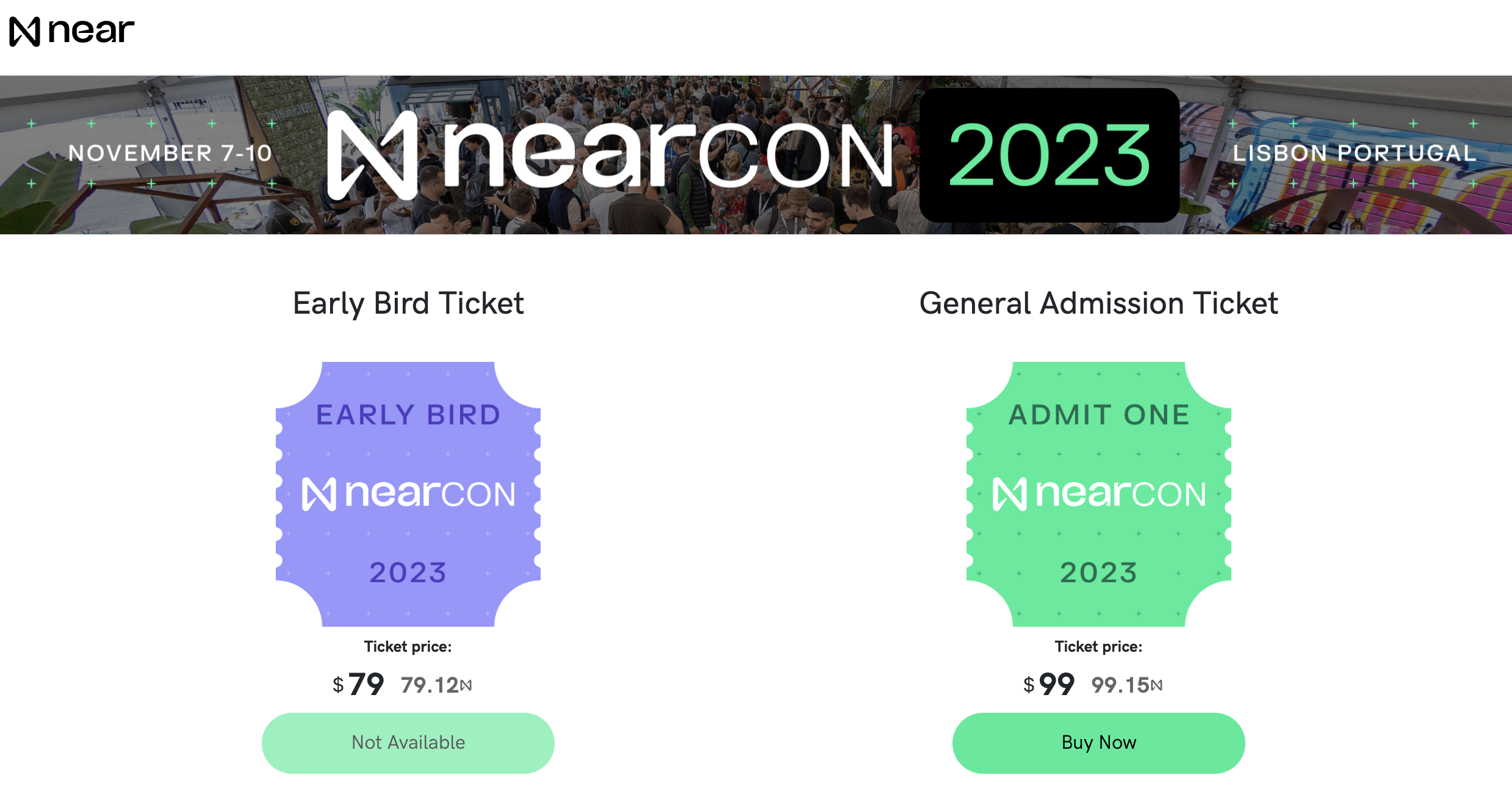
To do this, you can allow a primary market, in this case Veriken, to add keys to your NEARCON drop using add_key_allowlist. Then, once Veriken handles and confirms the customer's payment, they simply call add_keys for each ticket purchased and then distribute the ticket to the customer.
NFT Key Configuration
Default: Keypom NFT with metadata defined here and null royalties
Every access key in your drop is linked with an NFT, opening up the possibility of buying, selling and trading access keys using NFT standards methods such as nft_transfer and nft_approve. This NFT contains metadata and royalties defined in the NFTKeyConfigurations object at time of drop creation.
loading...
NFT Key Configurations can only be specified at drop creation, and cannot be changed after that.
This NFT metadata follows the definition specified in the NFT Metadata standard (NEP-177).
loading...
Use Case
Suppose Benji is hosting his own conference known as BenjiCON. He wishes to create a seamless ticketing experience for his guests and chooses Keypom accordingly. When listing tickets on trusted secondary marketplaces such as Mintbase, he wants them to be represented by NFTs depicting him holding Moon. He also wishes to send 30% of all proceeds from secondary ticket sales to his beloved pomeranian Moon.
To do this, he initializes a drop, whith the following NFTKeyConfigurations.
myNFTKeyConfig = {
    token_metadata: {
        title: "BenjiCON 2024",
        description: 'Welcome to BenjiCON!',
        media: '${IPFS link of image of Benjis face}',
        media_hash: undefined,
        .
        .
        reference_hash: undefined
    },
    royalties: {
        moon: 3000
        originalOwner: 7000
    }
}
Royalties are expressed as integers out of 10,000
Delete Empty Drop
Default: True, empty drops will automatically be deleted
This configuration specifies whether or not drops that have depleted all their keys should be deleted or not. By default, they will be deleted.
Use Case
Moon is running his annual MoonCON conference and chooses to use Keypom access keys linked with NFTs to represent tickets. Tickets can be bought at the door and only have 1 key use that is used to enter the conference.
In this scenario, since Moon does not know how many people will attend the event, he chooses to set delete_empty_drop to false. This way, if he has 5 tickets and they end up being used right away, a 6th person buying a ticket at the event can still do so using the same drop.
Drops can only be deleted by calling delete_keys and deleting all the keys. That is, creating a drop with 0 keys will not result in the drop being deleted right away. To delete an empty drop, simply call delete_keys with the empty drop's drop_id
Extra Key Allowance
Default: 0
An extra amount of NEAR to be added to an access key's allowance. This will give the key extra gas for all of its claims, as well as other function calls such as nft_transfer, and nft_approve.
Use Case
Moon recognizes that his annual MoonCON conference is very popular, and that there is the potential for a hot resale market. In order to allow plenty of activity on the secondary markets such as Mintbase, Moon adds some extra allowance to each key. This allows the key to call nft_approve and nft_transfer multiple times without running out of NEAR of gas when it comes time to use the ticket and claim the assets.
// 30TGas extra
extra_allowance_per_key: 30000000000000
Drop Metadata
Default: null
drop_metadata is a string that allows you to store any other information you wish to associate with the drop, such as the drop's purpose. For the sake of clarity and interoperability with frontends, this is typically a stringified JSON.
Use case
Benji is going on a Lunch 'n' Learn tour with Moon, with ticket sales planned for every city. To facilitate a seamless experience for attendees, Benji creates a frontend hosted on BOS to sell tickets to each one of cities. In order to keep track of tickets for each city, Benji creates a number of drops, each with their own unique metadata describing the Lunch 'n Learn location and time. On the frontend, Benji can simply call get_drop_information, parse the returned metadata for each drop, and then render each city's ticket page according to the metadata.
drop_metadata: JSON.stringify({
    city: "Toronto",
    data: "June 13th 2024",
    time: "1pm EST"
})